

Key takeaways: A corporate headquarters building with 18 meeting rooms all wirelessly equipped. The client's biggest concerns were: Will simultaneous use cause frequency interference? And will the system keep up with sudden changes in layout? This article explains how we solved these problems.
01 The first thing a customer says when they walk in: "If all 18 rooms are open at once, won't it cause confusion?"
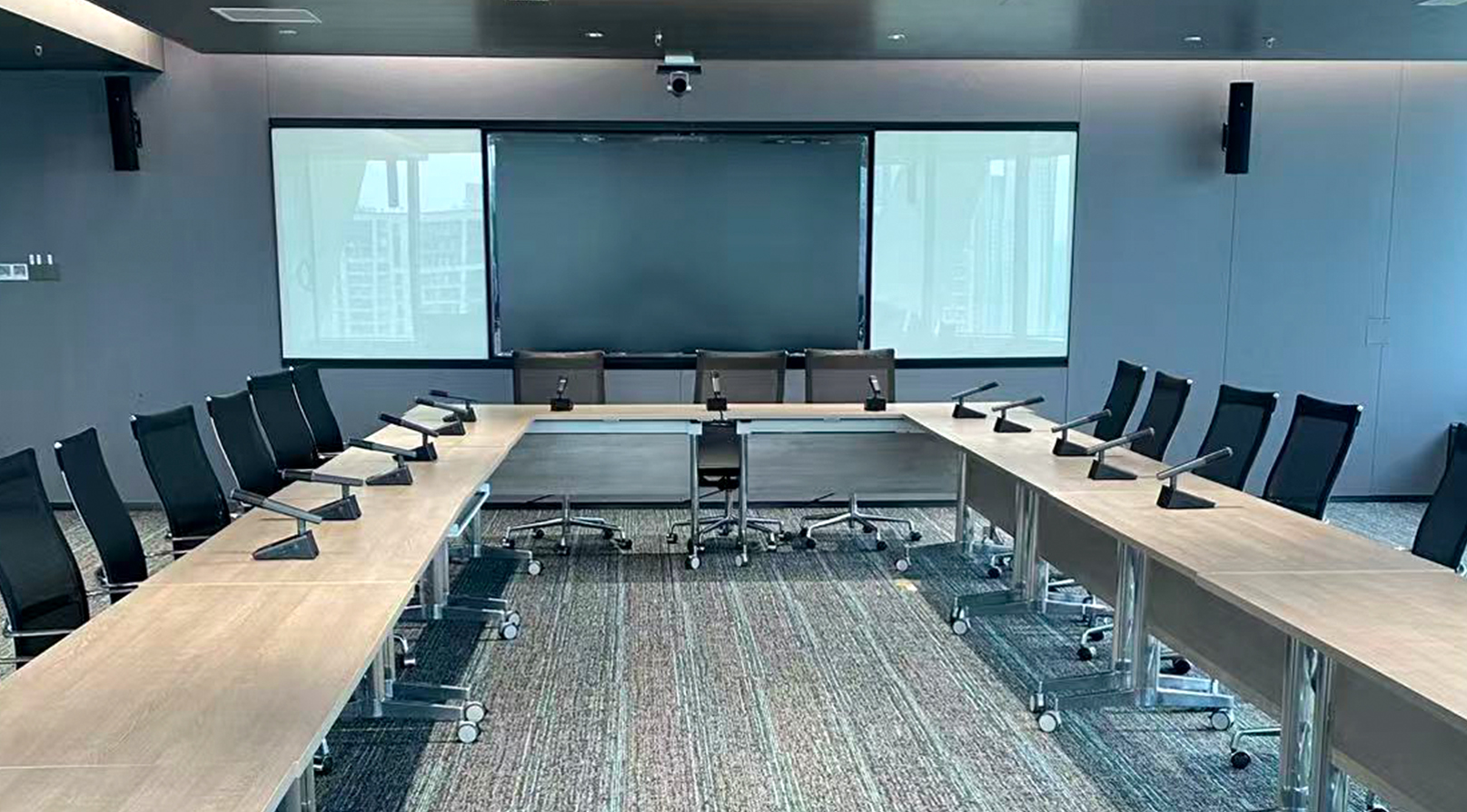
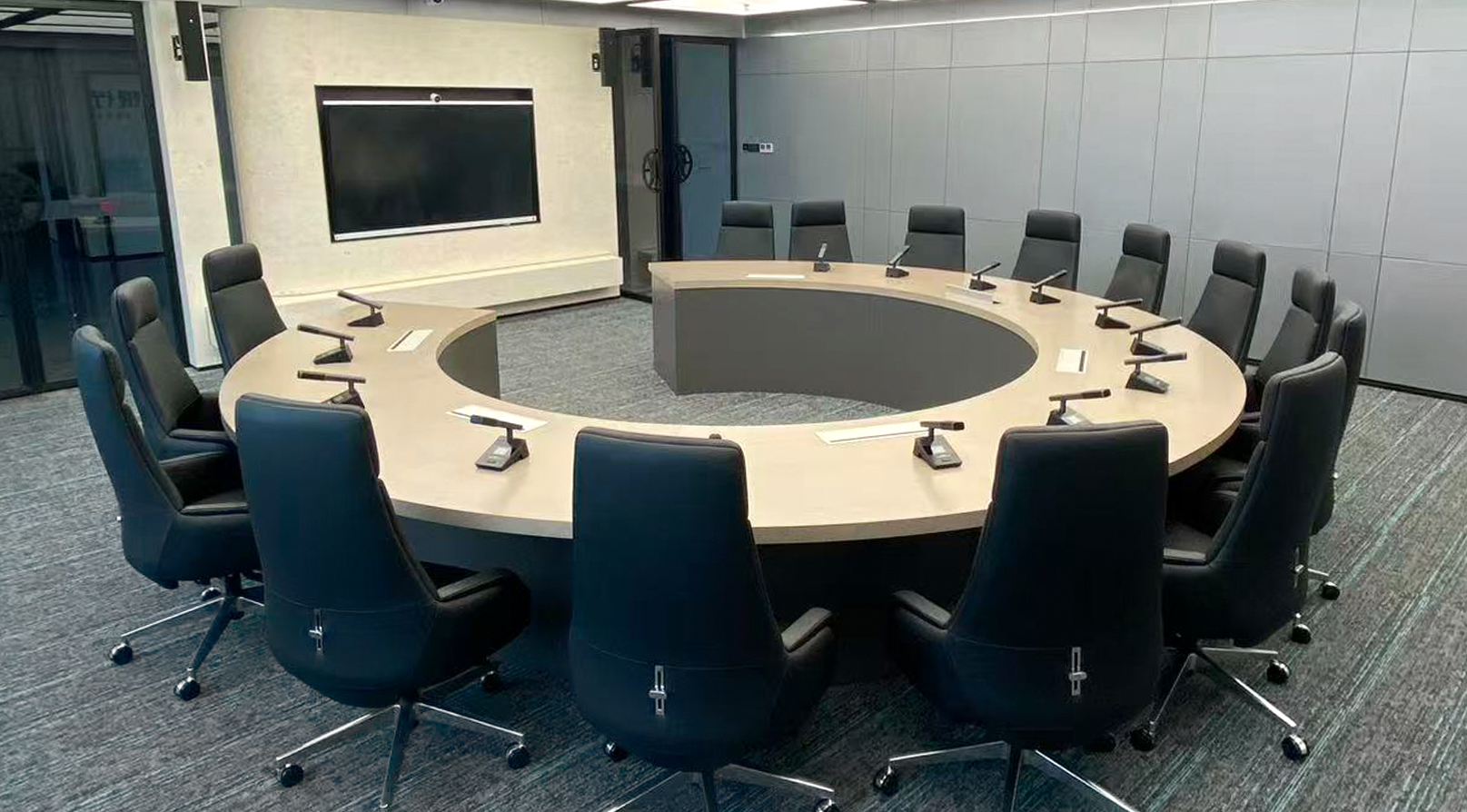
Last year, we took on a headquarters building project. The client was a rapidly expanding company, and the new headquarters had an entire floor planned with 18 meeting rooms : ranging from small negotiation rooms for 6 people, medium-sized meeting rooms for 12 people, to U-shaped large meeting rooms for more than 30 people and round table boardrooms, with completely different layouts.
During the initial communication phase of the project, the client's IT manager asked us several questions right from the start:
• Every meeting requires plugging in the cable and calling IT. Can't employees just sit down and speak?
There are so many impromptu meetings at headquarters every day: sales team bringing in clients, project teams getting aligned, departments holding weekly meetings. It's simply unrealistic to have someone plug in the cable for every meeting.
• The meeting room layout changes so quickly, can the speaking groups keep up?
Today it's a small meeting of 8 people, next week the project team will expand to 15; next week the training session next door had 20 microphones arranged in two rows, next week it will switch back to a round table with 6 microphones in a circle, and the day after tomorrow it will switch back to a U-shaped discussion. The number and positions have to be adjusted at any time.
• If 18 rooms are open at the same time, will there be crosstalk? Will the speech in meeting room A come out from the speakers in meeting room B?
This is the client's biggest concern.
• Who will manage 18 rooms? There are only a few IT staff. Can the system manage itself?
It's impossible to assign an administrator to each room and pinpoint the problem at a glance.
• Can a wireless speaking system be integrated with a video conferencing system? They can't all operate independently, right?
Headquarters and branch offices, customers and suppliers frequently hold remote meetings, and wireless microphones can connect to AV and video conferencing terminals.
He added, "The layout of our meeting rooms isn't fixed. There are glass partitions; today two rooms are combined to form a large lecture hall, and the day after tomorrow they'll be separated again. If you install a renovation plan that requires modifications, we won't be able to change it ourselves later."
These requirements basically define the boundaries of this project: fully wireless, can be added or removed, not afraid of frequency interference, does not require renovation, and can be adapted to the existing layout.
02 Faced with frequency interference anxiety, we chose an unconventional path.
For multi-meeting room wireless systems, the common practice in the industry is to place a central host on the entire floor and then run the signal through coaxial feeders to remote antennas in the corridors and ceilings. Microphones in all rooms recognize this system. This solution is very mature in open-plan spaces and banquet halls, but when used in cubicle-style headquarters offices, it brings three unavoidable problems: the wiring needs to be coordinated with the renovation, any changes to the layout require engineering work, and if the central host fails, the entire floor will be silenced.
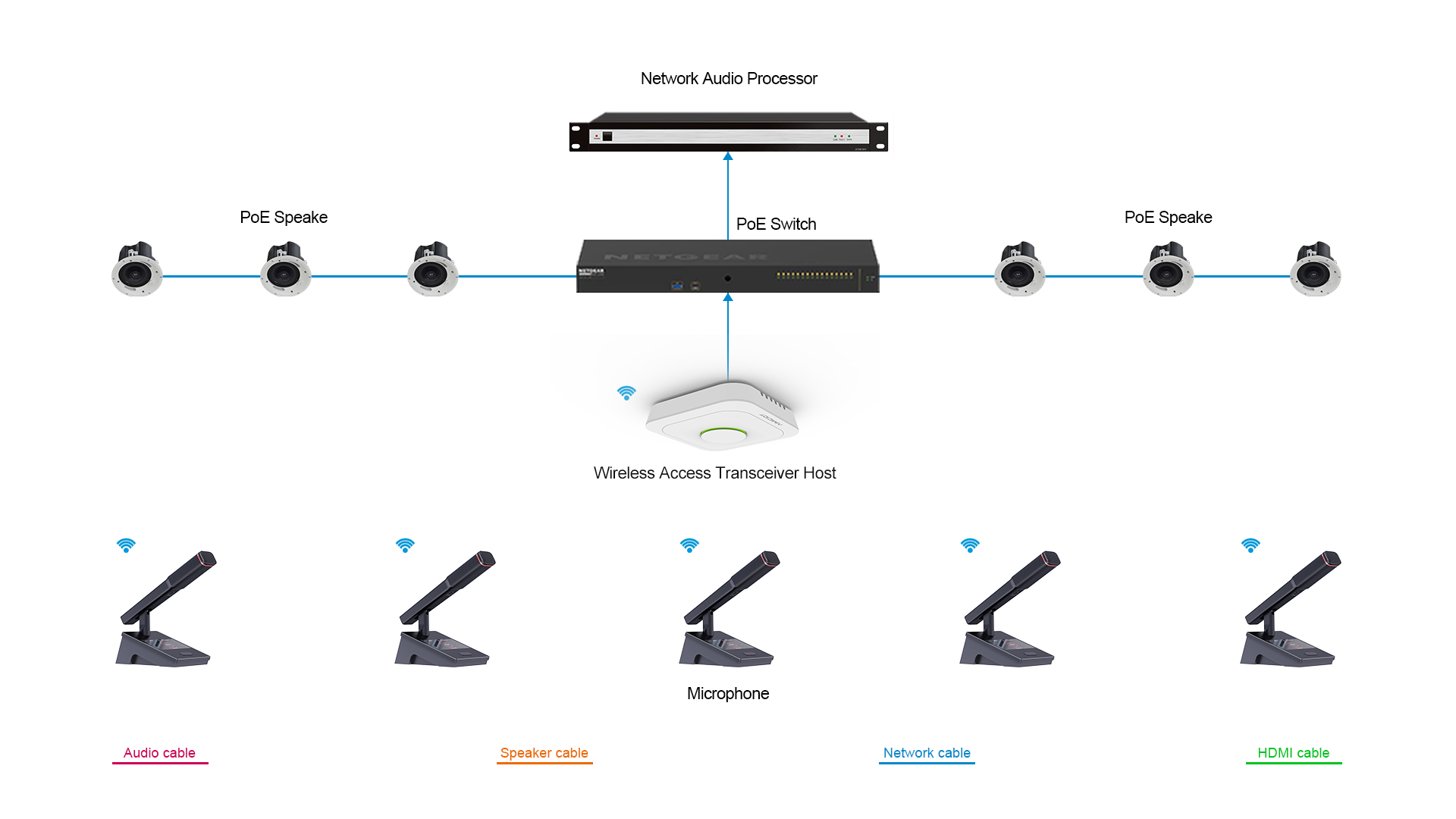
We chose a different approach for this client: each meeting room was equipped with an independent MT480M host, placed directly in the room with its built-in antenna providing direct coverage; WS60/DU talking units were placed on the conference table, pre-paired at the factory and during the engineering phase, ready to use immediately without requiring manual frequency tuning by the user. No coaxial feeders or remote antennas were installed between the rooms.
Upon hearing this proposal, the client's IT department's first reaction was: "No antennas? Won't the signals from the 18 rooms interfere with each other?"
03 Why can there be no crosstalk even when 18 rooms are holding a meeting simultaneously? Three layers of isolation.
Many people's impression of UHF wireless conferencing systems is still stuck in the past: a small box plugged into the wall, the microphone would drop out if moved too far away, and interference would occur if the microphone was turned on in the next room. That's ancient history from the analog era, with its single-channel, fixed frequency. Today's digital UHF wireless conferencing systems can work stably in densely packed rooms depending on the simultaneous operation of the following three layers of isolation.
First layer: Physical isolation – the conference room itself is a natural shielding box.
In modern office building conference rooms, partitions are not simply thin panels. Common materials include double-glazed windows, lightweight steel frame gypsum board walls, carpets, suspended ceilings, and fire doors, all of which significantly attenuate UHF frequency signals.
In other words, the signal emitted by the host in the next room has to penetrate two walls to reach the speaking unit in this room, and by the time it arrives, it has been attenuated to below the noise level . This is the first layer of protection provided by the physical layer, and we don't need to do anything extra.
This also explains why this solution is suitable for "cubicle-style headquarters offices": the more rooms and the more solid the partitions, the better the natural isolation; on the contrary, large open spaces without partitions are the scenarios where this solution is truly unsuitable (which will be discussed in detail later).
Second layer: Frequency isolation – pre-pairing by the engineering team + staggered channels between rooms, with each of the 18 main units occupying a clean channel.
Simply relying on the wall isn't enough. The second layer is frequency planning.
When the 18 mainframes were brought in for testing, the engineers pre-paired each mainframe and its associated talking units in each room, and then staggered the channels for different rooms according to their location—rooms on one side of the corridor used one set of frequencies, the other side used another set, and the large conference room at the corner had a separate channel. The official website states that "no complex frequency matching or manual tuning is required," but this refers to the fact that users do not need to do anything for daily use; the initial deployment still requires engineers to plan.
After doing this, even if the two rooms are right next to each other, the frequency bands they use are already staggered, and with the physical attenuation layered on top, the probability of crosstalk is reduced to a very low level.
The third layer: Product isolation – one system per room, keeping faults and interference confined within the room.
The final layer is the system architecture itself. One MT480M host in each meeting room means:
• The computer in the next room crashed, someone pressed random buttons, and someone added a microphone, but it only affected that one room.
• A WS60 microphone will be temporarily added to this room. After pre-pairing with the host in this room, it can be used without registering on the host next door.
• In the future, if a certain room needs to be upgraded or have its microphone replaced separately, the other 17 rooms will remain unchanged.
Only when the three floors are stacked together, and all 18 rooms on the entire floor are wireless without a single antenna, do we dare to make a decision with the client.
Is the 18-room system easy to manage?
Are the IT departments able to manage 18 MT480M servers scattered across one floor?
Each room is an independent small system, with naturally isolated fault domains:
• If a problem occurs in a room, only that room is checked.
If the main unit in the next room crashes, someone misoperates, or a microphone loses power, it only affects that room; unlike a central main unit solution, where if one device goes down, the entire floor goes silent.
• No administrator intervention is required for daily use.
Employees enter the room, sit down, press the button to speak, and the system works automatically; there is no need for IT to power it on in advance, no need for central control switching, and no need for anyone to "schedule" which room uses which frequency band.
• Maintenance is done room by room.
If one room needs firmware upgrades, microphone replacements, or frequency re-pairing, the other 17 rooms can continue their meetings as usual, without shutting down the entire floor.
• Adding rooms doesn't require modifying the old system.
Adding the 19th room simply involves placing another MT480M, powering it on, and scanning the frequency. There's no need to replan the entire floor's frequency or modify the central server room.
Once the frequency was planned during the initial commissioning, IT only needed to conduct quarterly inspections, which didn't take up much of our daily time.
The architecture also conveniently resolved two other issues that the client specifically raised at the time:
• Multi-party remote conferencing:
Each room's MT480M host connects to the room's video conferencing system via a digital audio network, allowing local voice messages to be picked up and remote voice messages to be sent out, eliminating the need for a separate set of conference audio cables.
• Meeting mode switching:
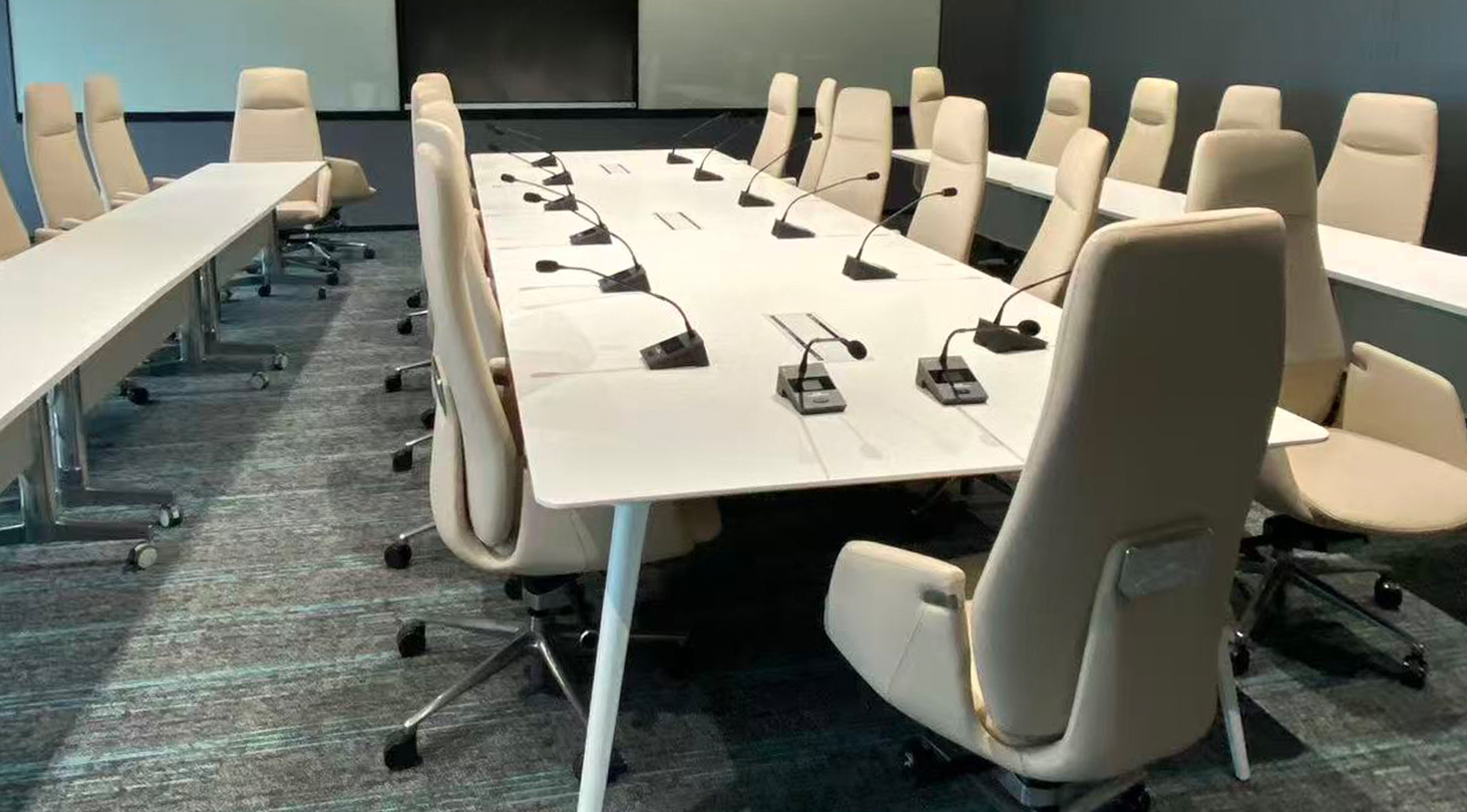
round table to training, U-shaped to herringbone, speaking units are wireless, the number and position follow the table, no need to rewire; the new microphone and the host in this room are pre-paired and ready to use after powering on.
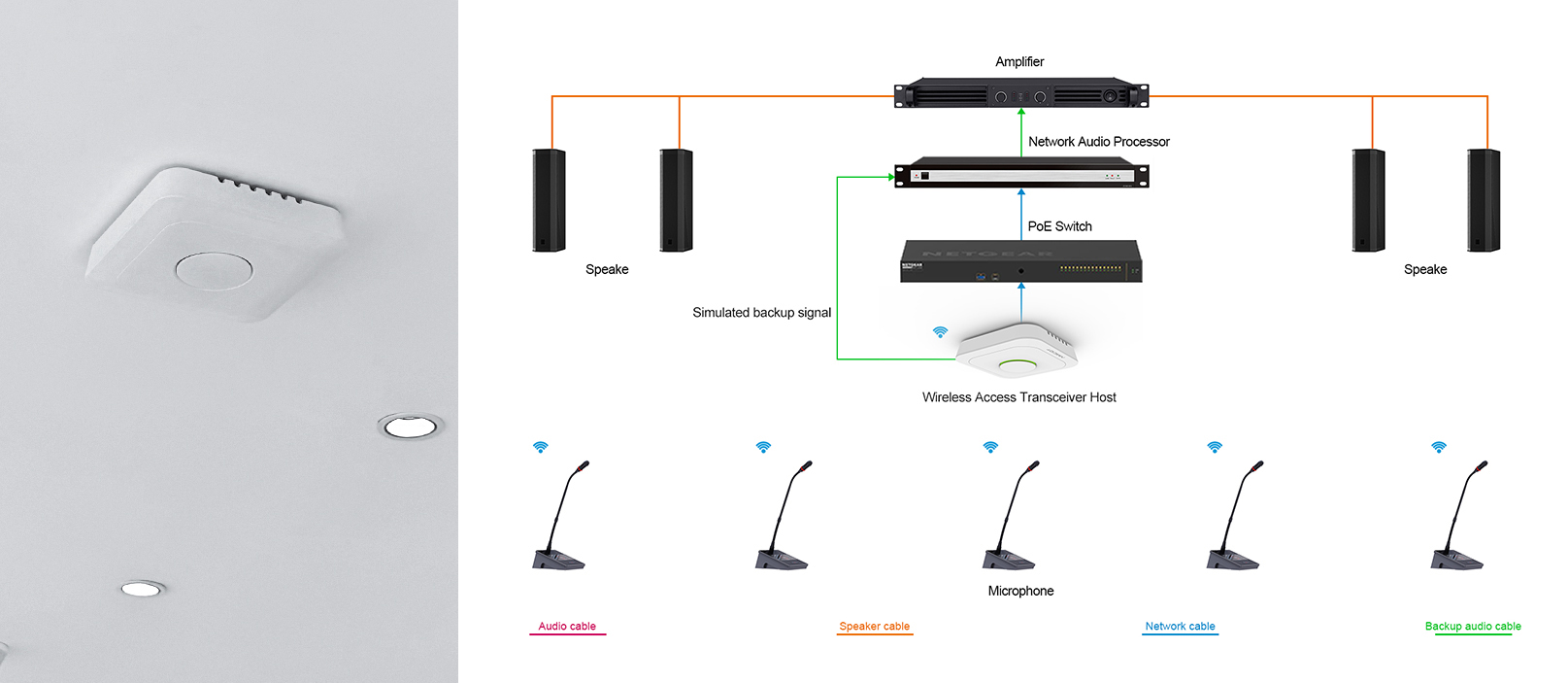
05 Actual Implementation: How were the 18 rooms allocated?
Each room has one MT480M host and a WS60 speaker unit on the table—it's that simple.
The 18 rooms are allocated according to room type:
• Six small negotiation rooms (6 rooms): Each room has 1 host computer + 4 microphones
• Medium-sized meeting rooms for 12-16 people (6 rooms): 1 host computer + 8-12 microphones per room
• Two U-shaped conference rooms for 30 people each: 1 host computer + 24 microphones per room
• Roundtable Boardroom (1 room): 1 main unit + 14 microphones
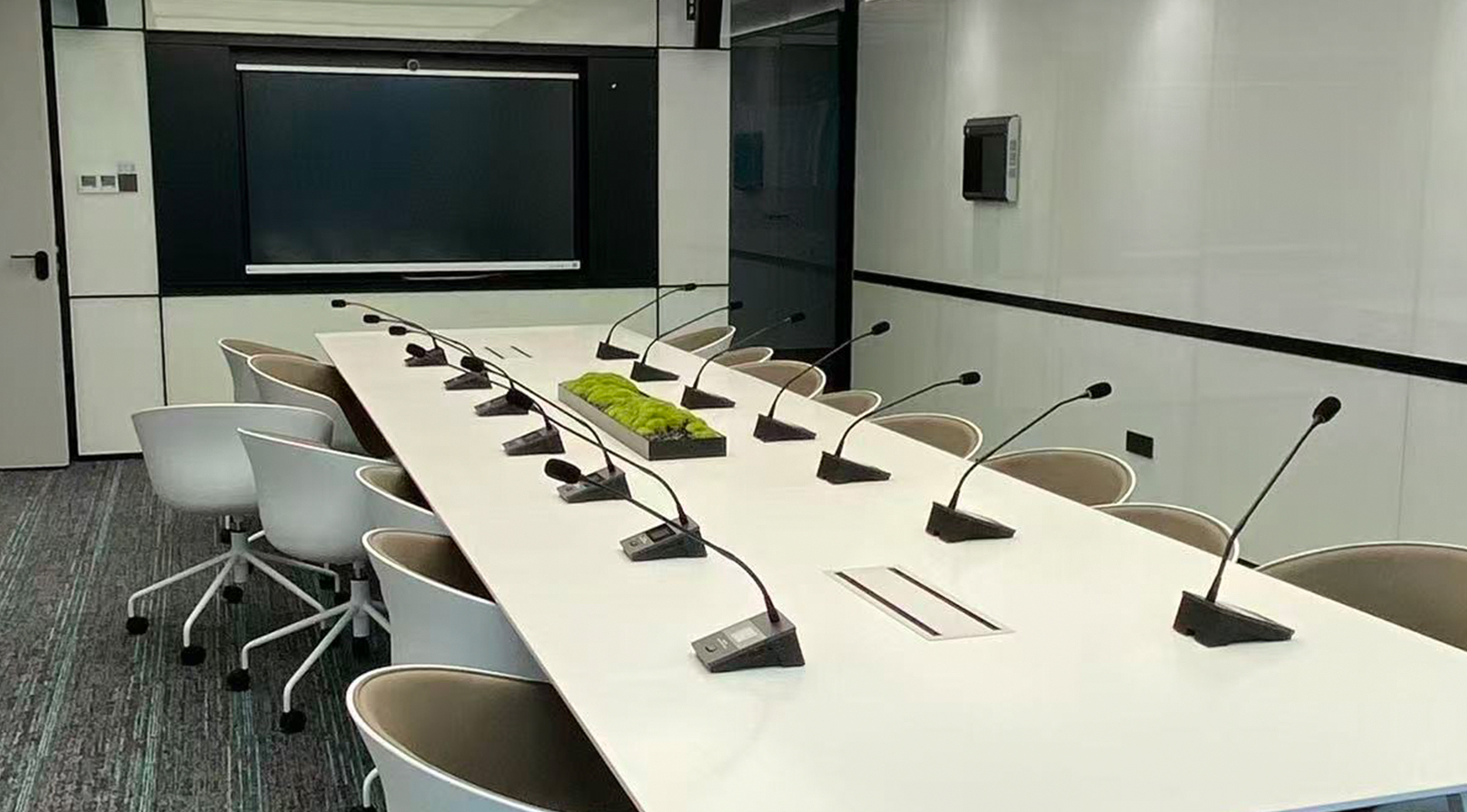
In total, there are 18 main units and more than 150 microphones on the entire floor, without a single antenna feeder cable spanning across rooms. Tables and chairs can be moved and chairs can be moved and rooms can be combined, but the main unit positions remain unchanged; if a 19th room is added later, it will simply be to place another main unit and a few more microphones, and the engineer can complete the setup in half a day.
06 The three most frequently asked questions by customers
During the briefing, the client asked three follow-up questions, which I will answer in one go.
Q1: Without an antenna, is the signal really strong enough? Will the signal drop if the speaker unit is far from the host?
That concern is valid, but it depends on the context. The main unit is installed in the room, which is perfectly adequate from one end of the conference table to the other, and the carpet and people covering the area won't interfere with its operation.
What we don't do is force the signal "outside the room." Because in cubicle office buildings, you don't need to send the signal out of the room at all —sending the signal out of the room is actually a source of crosstalk.
Q2: If 18 hosts are turned on at the same time, won't their frequencies conflict?
Standalone, manual frequency tuning is just a safety net. The real determinant of stability is the frequency planning during the on-site setup : we power on all the main units in all rooms simultaneously, and engineers pre-pair the main units and talking units in each room, staggering the channels between different rooms. After this setup, no further adjustments are needed for daily use.
We do not recommend that customers buy the equipment and place it directly: the equipment itself may be fine, but for dense deployment, engineers need to do the planning for the first time.
Q3: What if we add a 19th meeting room later?
Adding a new room simply means adding another host computer and a few microphones. The engineer will configure it once, which will not affect the 18 rooms that are already in use.
Conversely, if the initial choice had been a central control unit + antenna distribution scheme, adding a new room would mean: running another feeder from the central control unit, adding a remote antenna in the corridor, and redoing the frequency planning for the entire floor. This is what the client feared most: "it can't be changed."
Finally, a boundary point: this "one host per room, no antennas" solution is best suited for cubicle-style headquarters offices. If it's a large, open banquet hall without partitions, where microphones need to be carried around the room, or where the number of seats in a single room exceeds the single-unit limit, then you'll have to revert to the old approach of a central host + antenna distribution. The table below can help you quickly determine which scenario falls into your category.
07 For IT managers and integrators who are currently making system selections: A judgment checklist
After completing this project, we compiled a selection judgment table:
Scene | Recommended architecture | Do we need to install an antenna? |
Partitioned office space, 4-30 rooms, single rooms for 6-30 people. | One host computer per room (MT480M + WS60/DU) | unnecessary |
The layout is frequently adjusted; glass partitions; it can be split or combined. | One server per room | No need (the cost of renovations is a major drawback). |
Open-plan/Banquet Hall/Multifunctional Hall without partitions | Central main unit + antenna distribution | need |
The microphone needs to be used outside the room and while moving around. | Central host + remote antenna | need |
The number of speaking units in a single room exceeds the single-machine limit (128 units). | Multi-host collaboration + antenna allocation | need |
Returning to the project itself, all 18 meeting rooms are wireless, and the layout can be easily modified. More than a year after delivery, the client hasn't contacted us about wireless issues. The administration's feedback was simple: now we don't need to call IT in advance for meetings; people can just sit down and press a button to speak.
This article is based on a real-world project delivered by our team at a corporate headquarters building, featuring the MT480M wireless conferencing host and WS60/DU series desktop speaking units. If you are also planning a wireless conferencing system for multiple meeting rooms or multiple floors, feel free to leave a message or send a private message to discuss the site layout. We can help you determine if your scenario is suitable for a "no-antenna" setup.